

Apple Pay integration
Ecopaynet gives your business the opportunity to offer Apple Pay as a payment method and a way of obtaining a customer's card details. To do so, you need to register as a merchant with Apple Pay and obtain your own merchant ID, which will then be linked to your Ecopaynet account.
A simple way to add it is through the payment card form, as it lets users enter their card details manually or using the Apple Pay button.
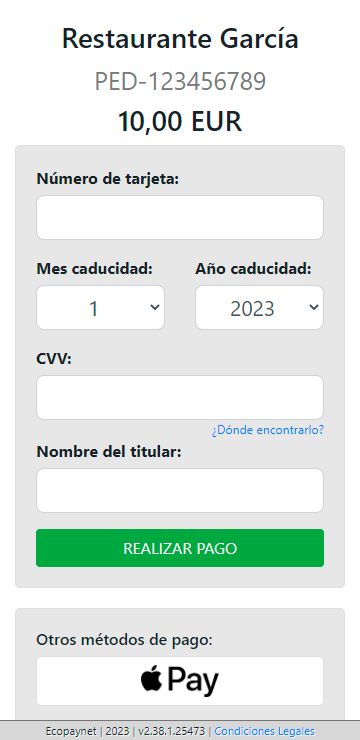
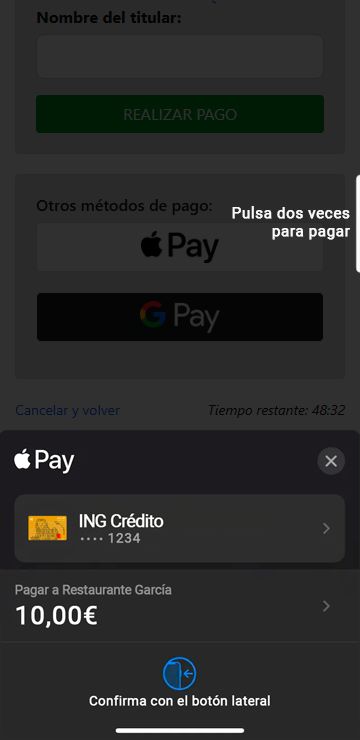
Below is an example of how Apple Pay is integrated into the payment page when it is offered alongside the card input fields.
Registering your business with Apple Pay
If you have already completed this step, you can go to the Setting up Apple Pay in Ecopaynet section. If you have any questions, we recommend consulting the official setup guide provided by Apple for registration. To complete this process, you will need an Apple ID and an Apple Developer account. If you do not have an account yet, you can sign up at this link. You will also need a Mac to generate the required CSR certificate.
1. Create the merchant identity certificate
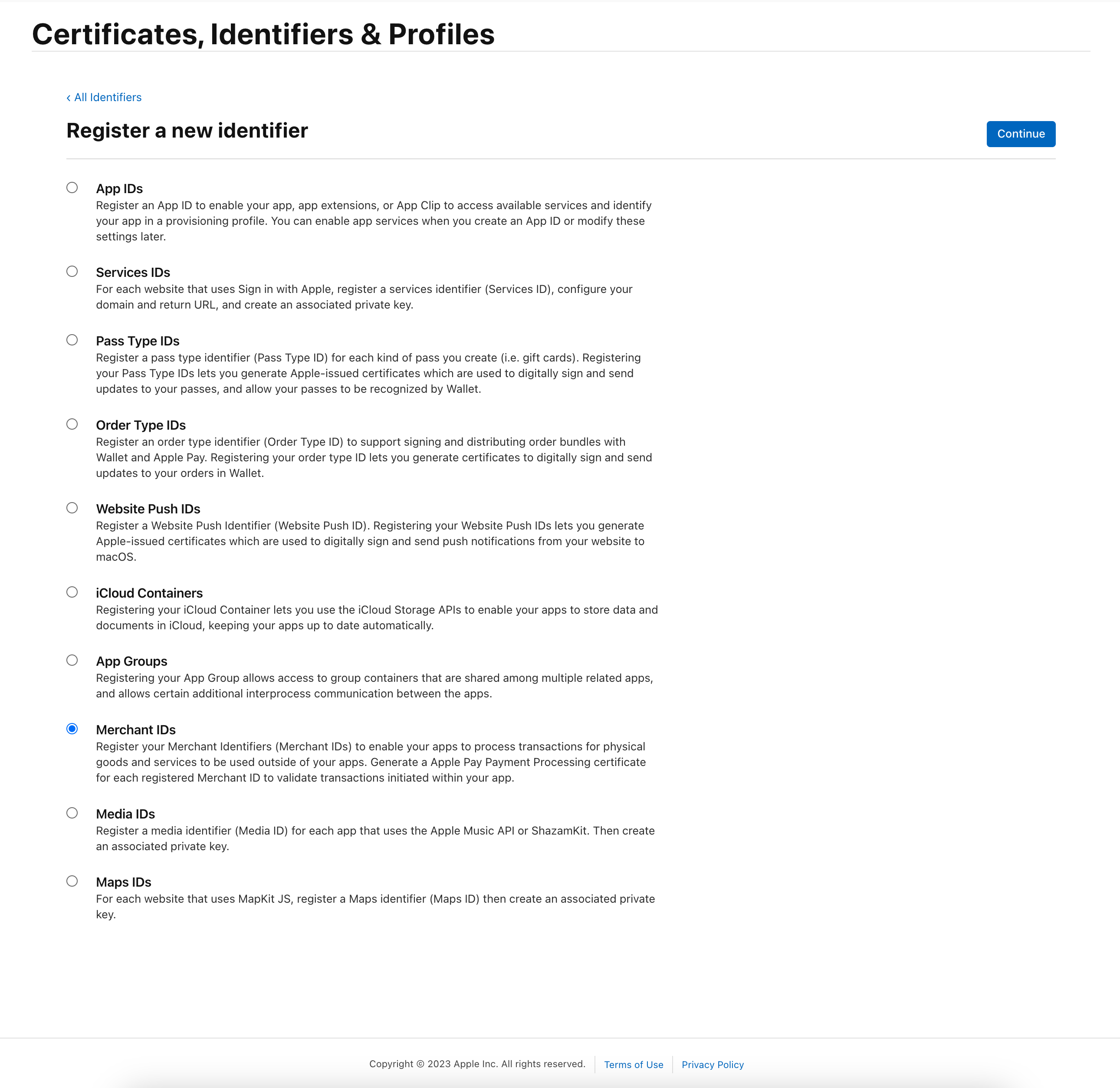
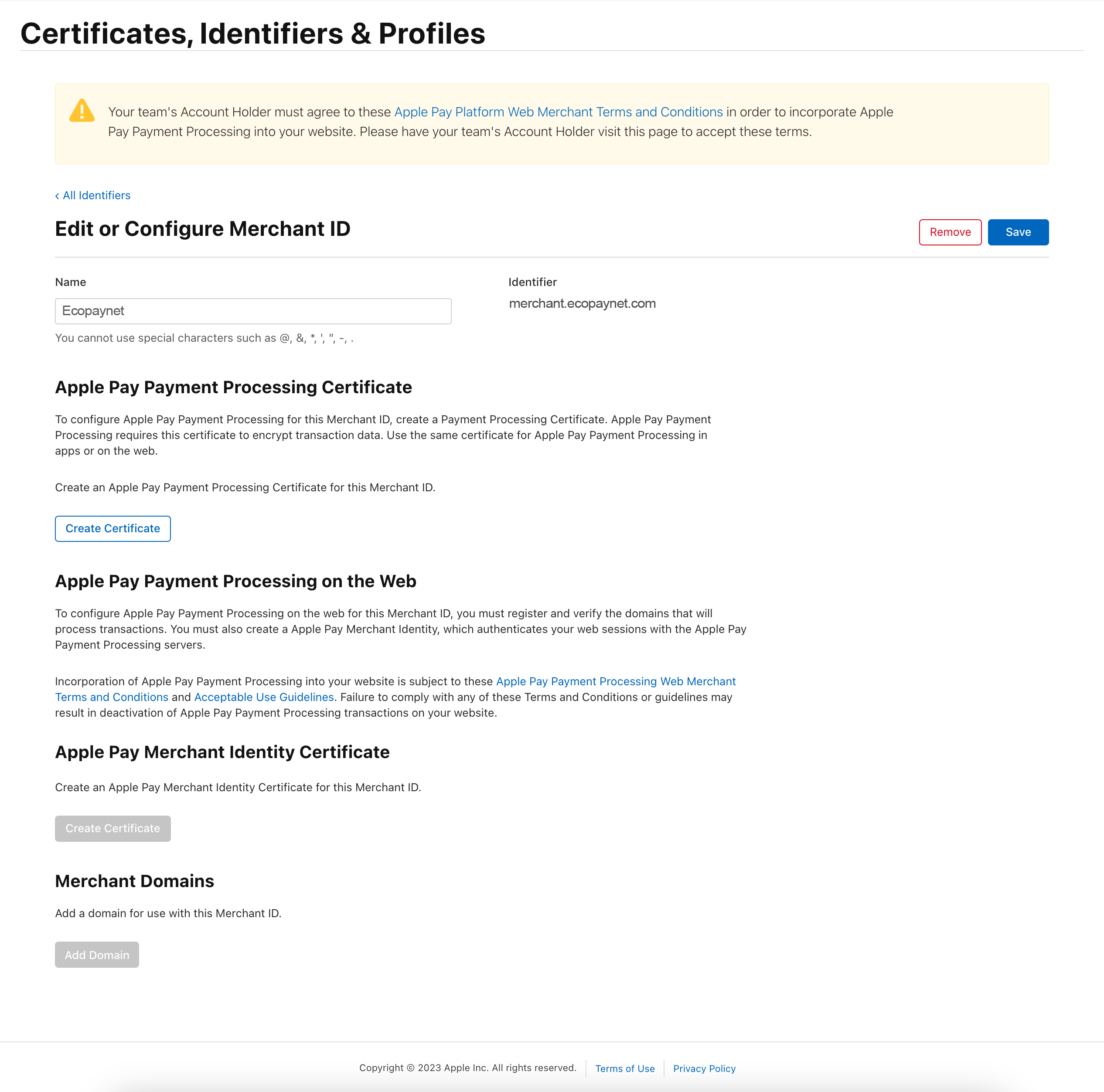
First, you need to create a new Merchant ID certificate in Certificates.
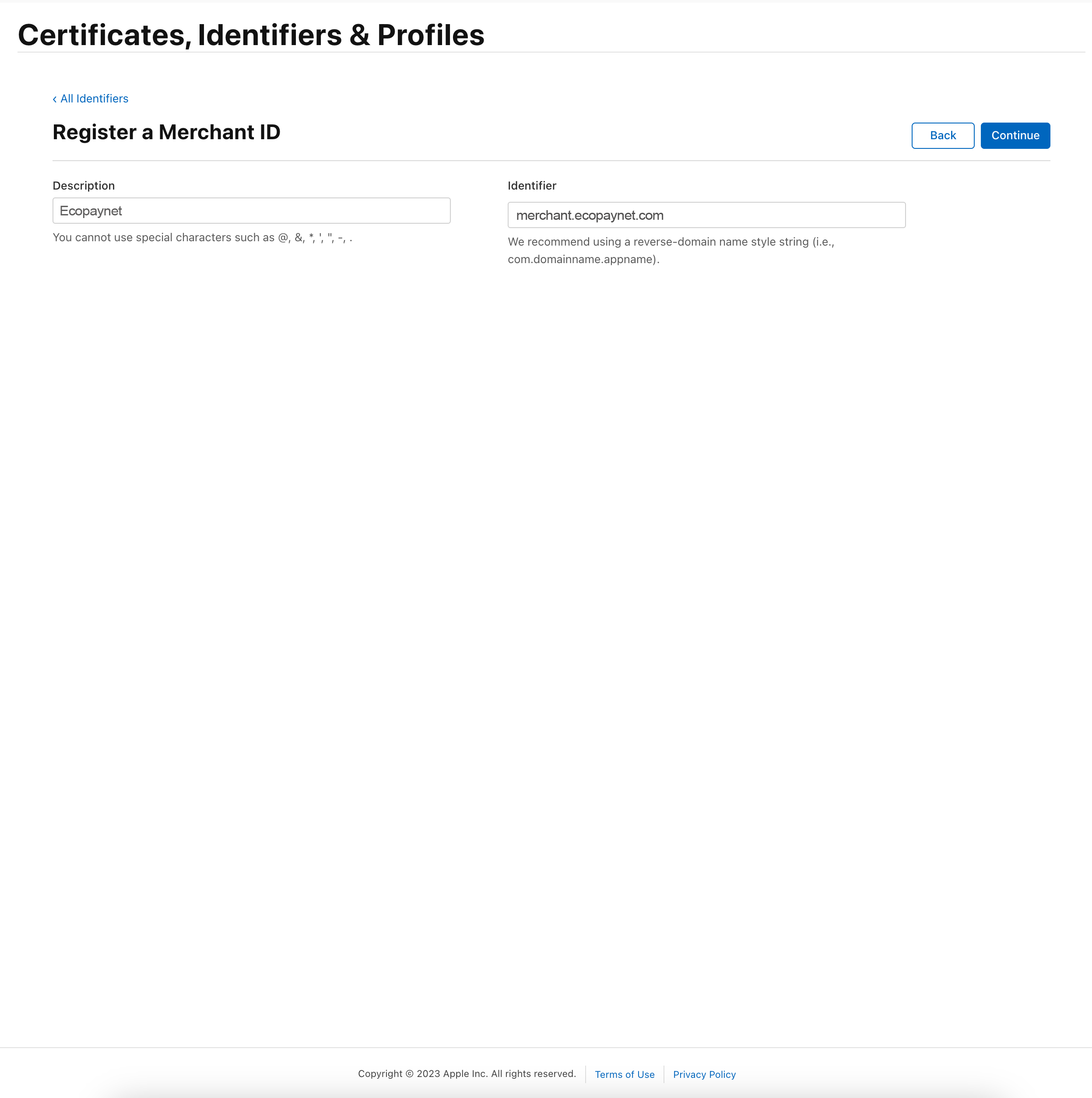
Enter a name and a description for this identifier.
This will take you to the configuration panel for your Merchant ID. Follow the steps shown to generate a unique identity certificate for your business, and then enter the domain where the Apple Pay button will be displayed.
To generate your certificates, Apple will ask you for a CSR file, which you will need to create on a Mac. If you click "Learn more", Apple will provide instructions on how to do this.
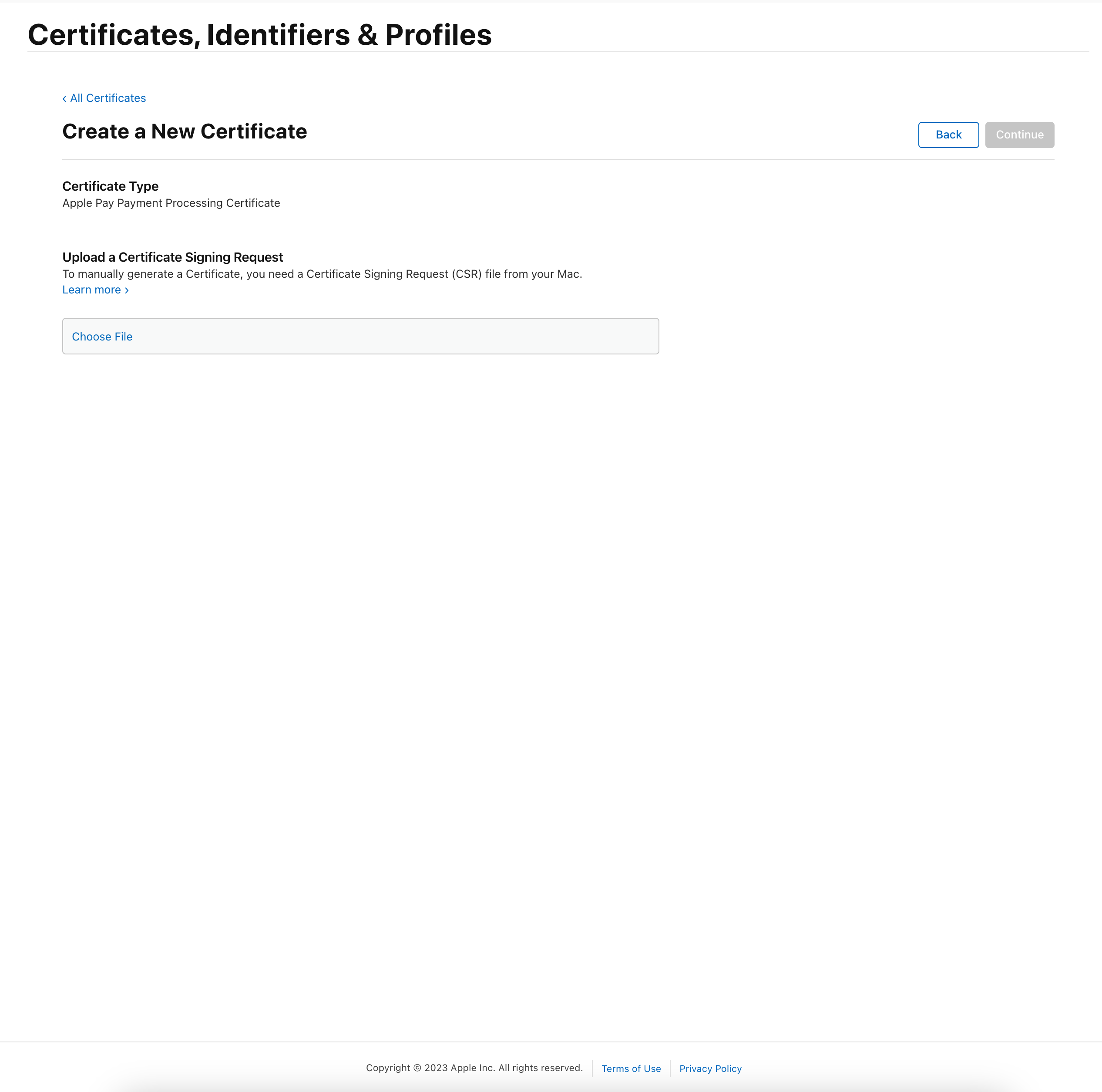
You will need to keep this certificate in order to display the Apple Pay button in your mobile app or website.
2. Payment processing certificate
Following a similar procedure to the one described above, you need to generate the payment processing certificate. Once this process is complete, you will obtain the apple_pay.cer file.
Setting up Apple Pay in Ecopaynet
To set up Apple Pay, follow these steps:
1. Register your business with Apple Pay and keep a note of your merchant ID.
2. To ensure it is set up correctly, provide Ecopaynet with your Apple Pay registration details: merchant ID, the name to identify your business in Ecopaynet, country, and the host of the website from which the payment process starts.
3. Contact Ecopaynet support to start using Apple Pay.